Launch tuning
Tailor your startup command
Adjust launch arguments directly from the control panel. The Startup tab lets you roll out memory tweaks, environment variables and plugin bootstrap flags without touching the filesystem.
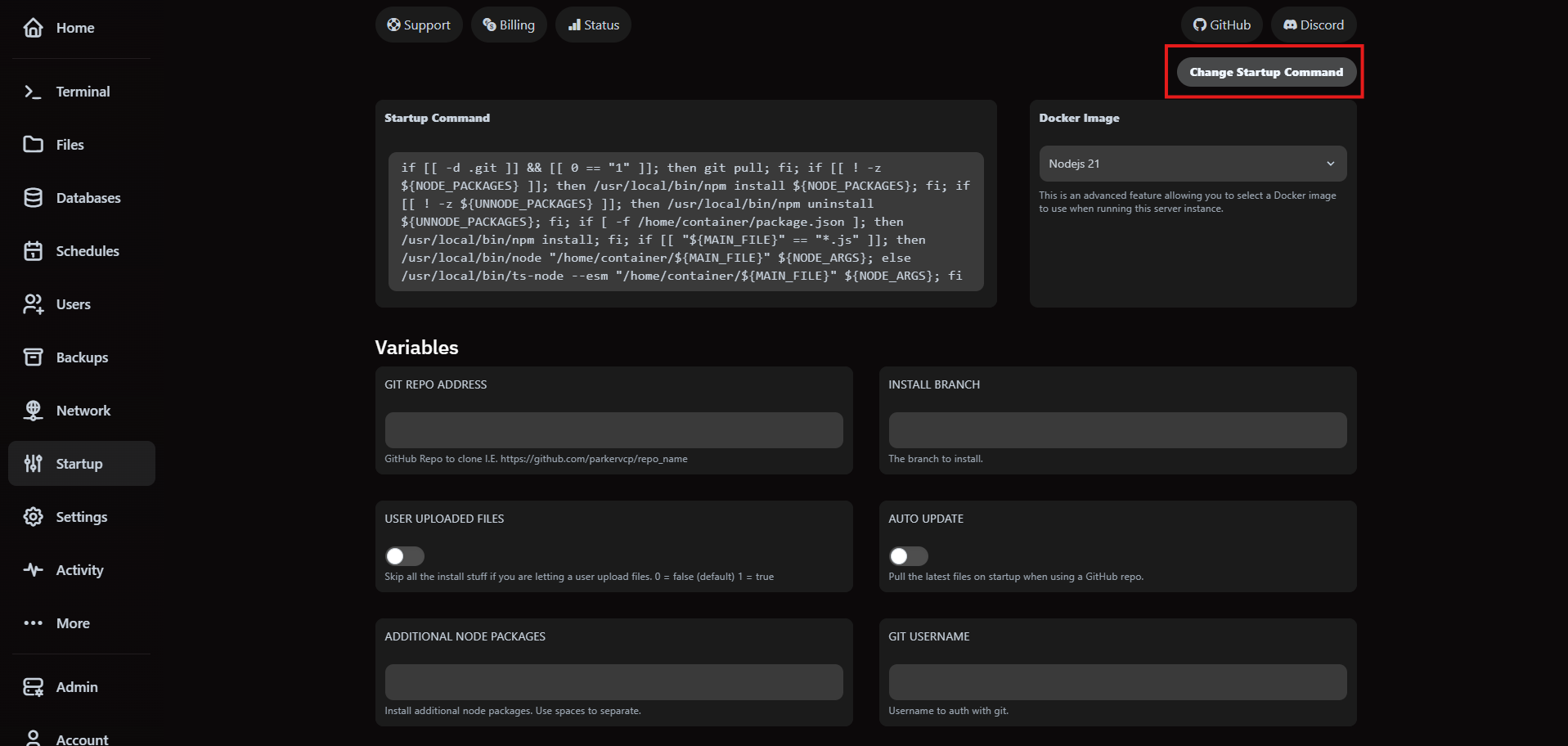
1. Open the Startup tab
Navigate to your server, open the Startup tab and click Change Startup Command in the upper right corner.
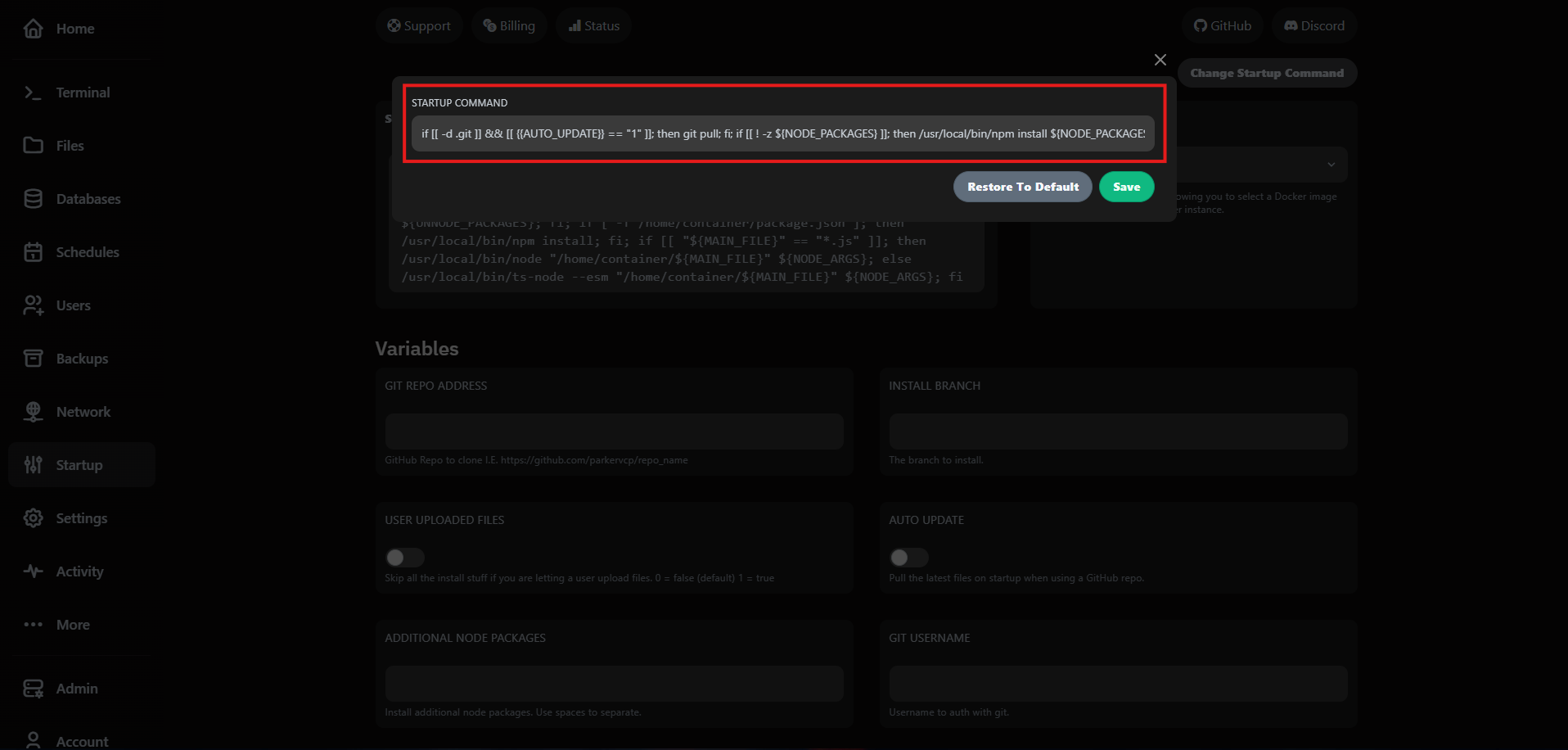
2. Edit the command inline
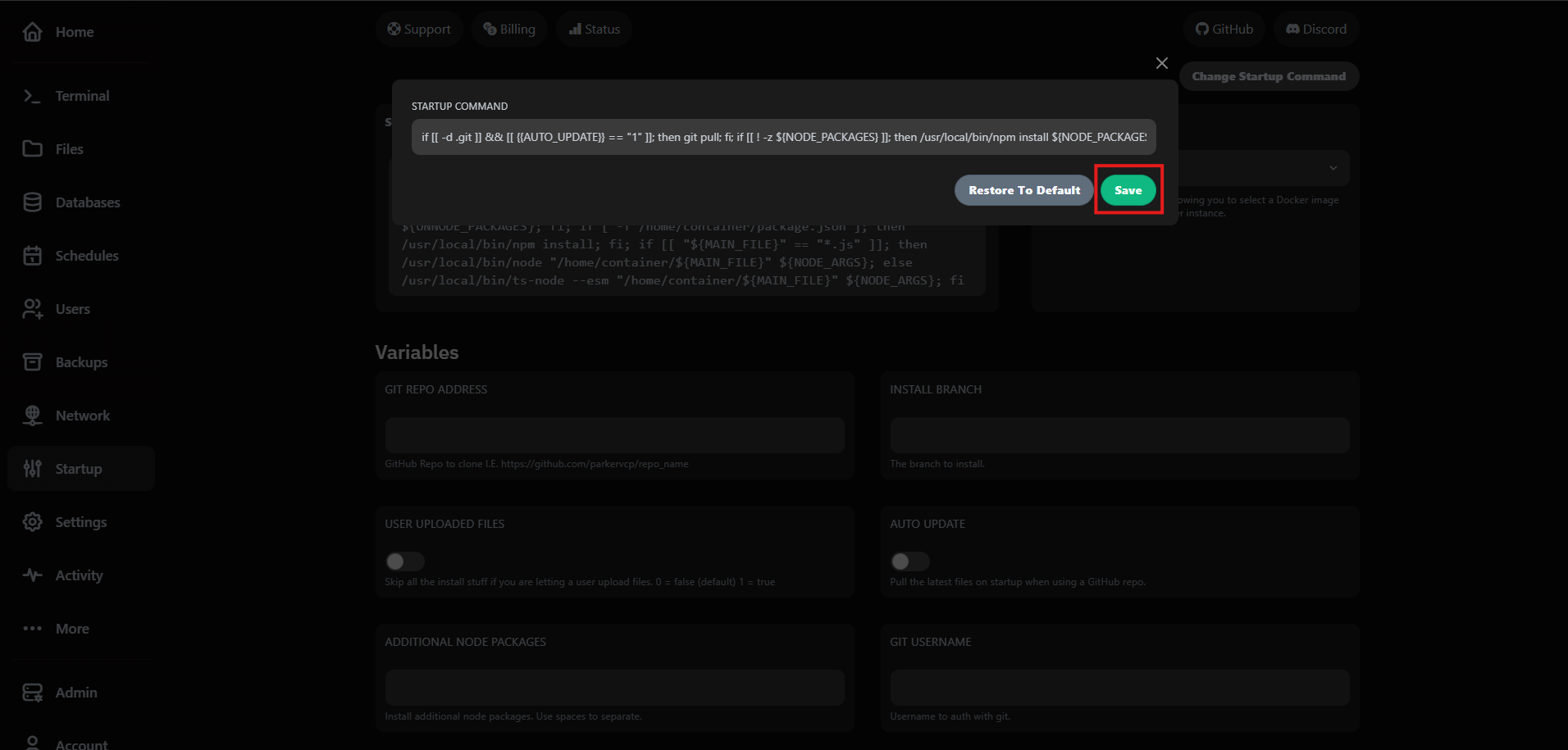
The modal exposes the full launch template. Update JVM flags, memory limits or environment variables while the server is offline.
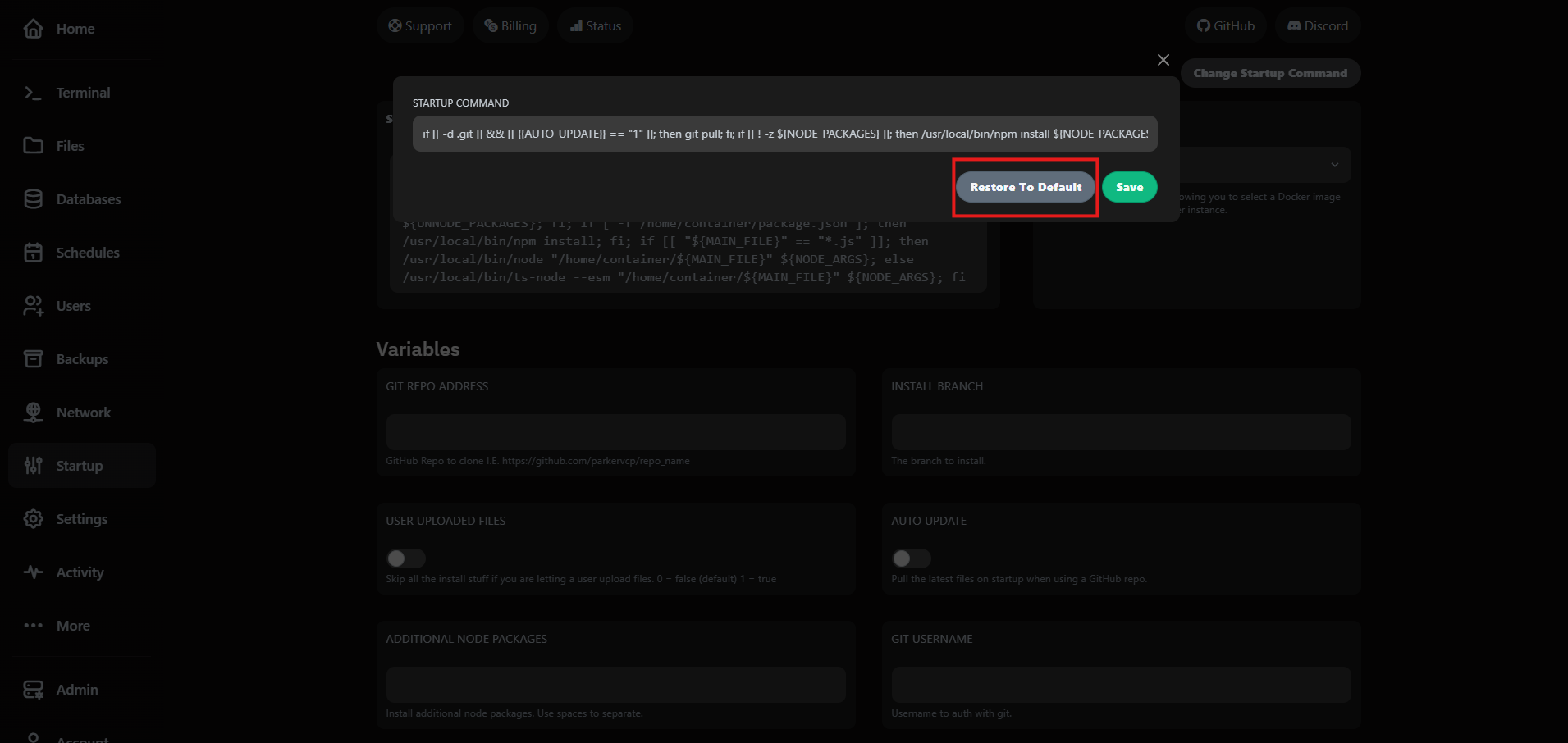
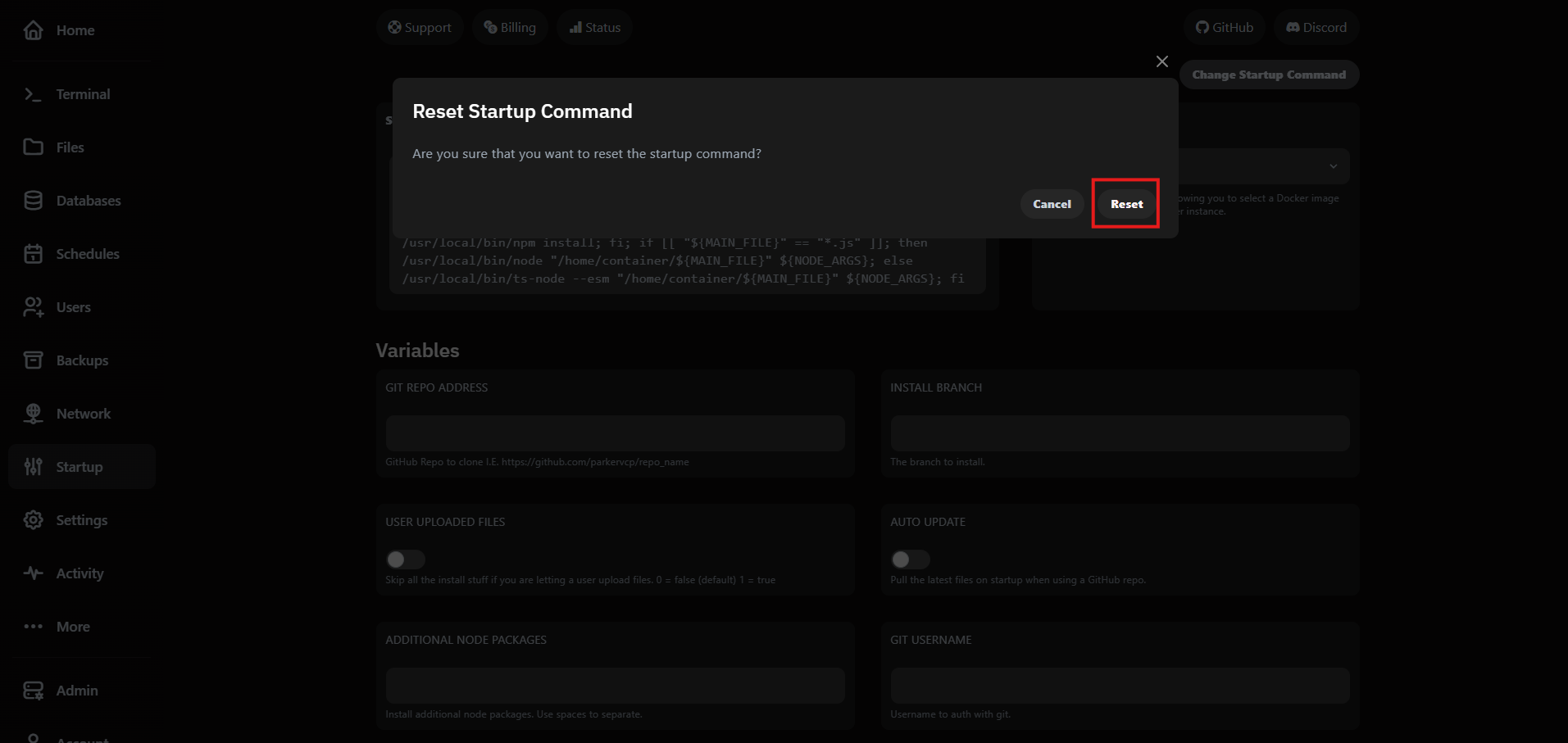
3. Restore defaults when needed
VaultScope stores the plan's default command. If a change fails, use Restore to Default to roll back instantly.
Need automation? Pair startup command tweaks with the control panel schedules workflow so restarts land in planned maintenance windows.