Minecraft tooling
Install Minecraft mods with confidence
VaultScope’s Mod Installer connects directly to popular providers like Modrinth so you can discover, filter and deploy mods without leaving the panel.
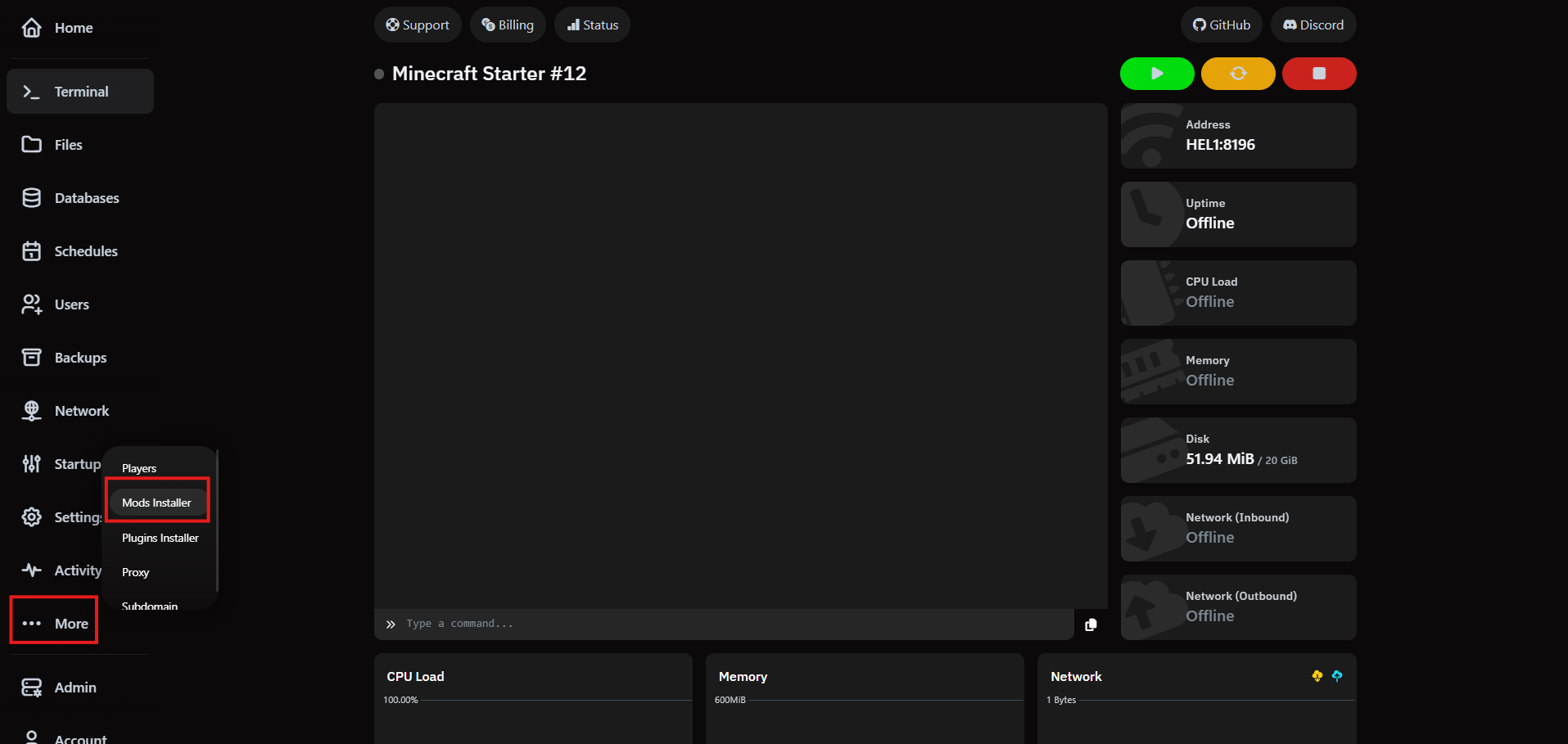
1. Open the Mod Installer
From the server sidebar, click More and choose Mods Installer. The panel opens the curated catalog for your instance.
2. Search and filter
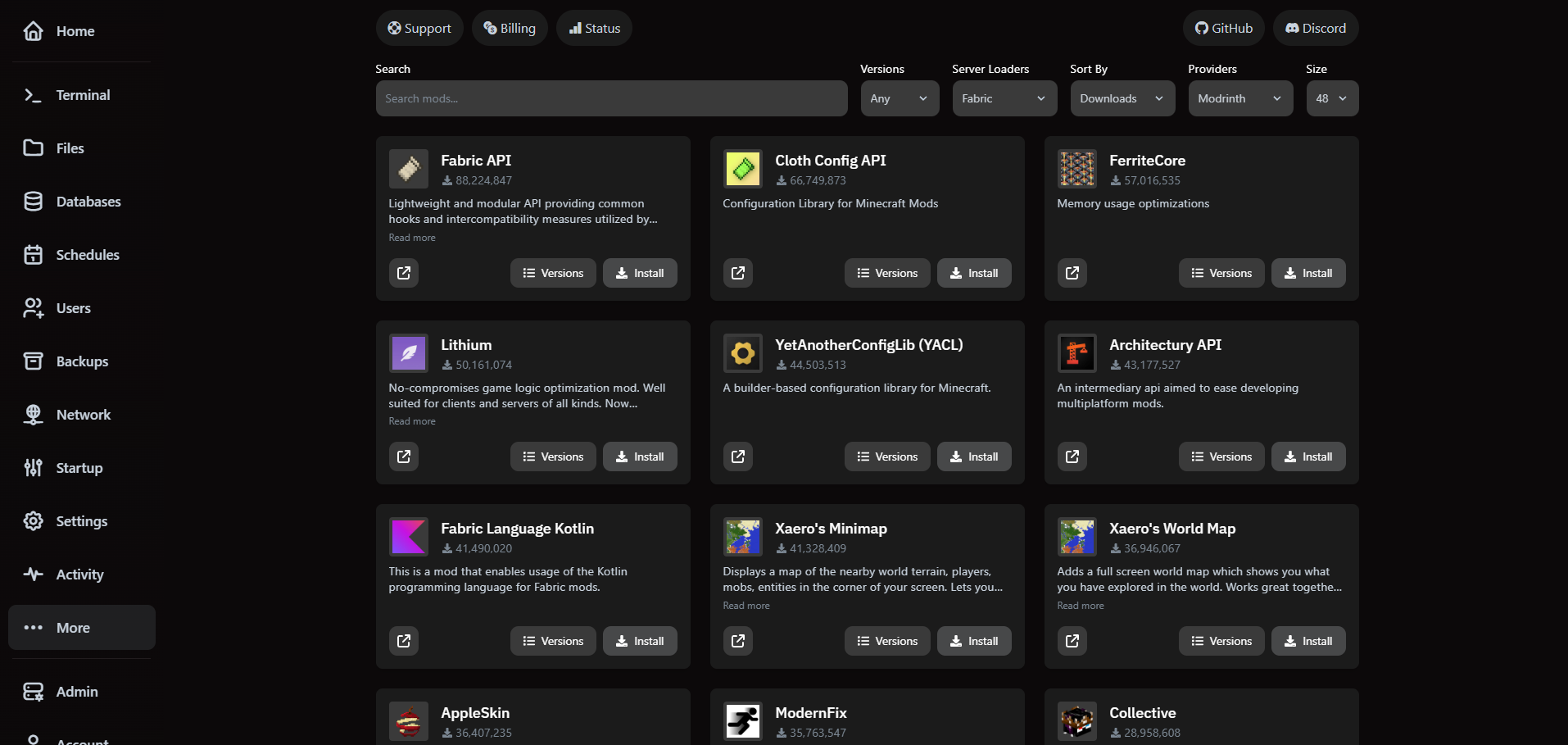
Use the search bar or apply filters for game version, server loader (PaperMC, Forge and more) and provider. The list updates instantly so you can preview compatible releases.
3. Review and install
- Click any mod to inspect its release history, changelog and outbound links to the official project page.
- Pick the version you want to deploy—VaultScope highlights the builds matching your server loader.
- Hit Install to queue a deployment. The panel confirms when the files are on disk.
After the installer finishes, restart the server so the new mod loads with the rest of your plugins.