Minecraft tooling
Deploy Minecraft plugins from the panel
The Plugin Installer delivers curated plugins from providers like Modrinth. Filter by loader, version or provider and install straight to your VaultScope server.
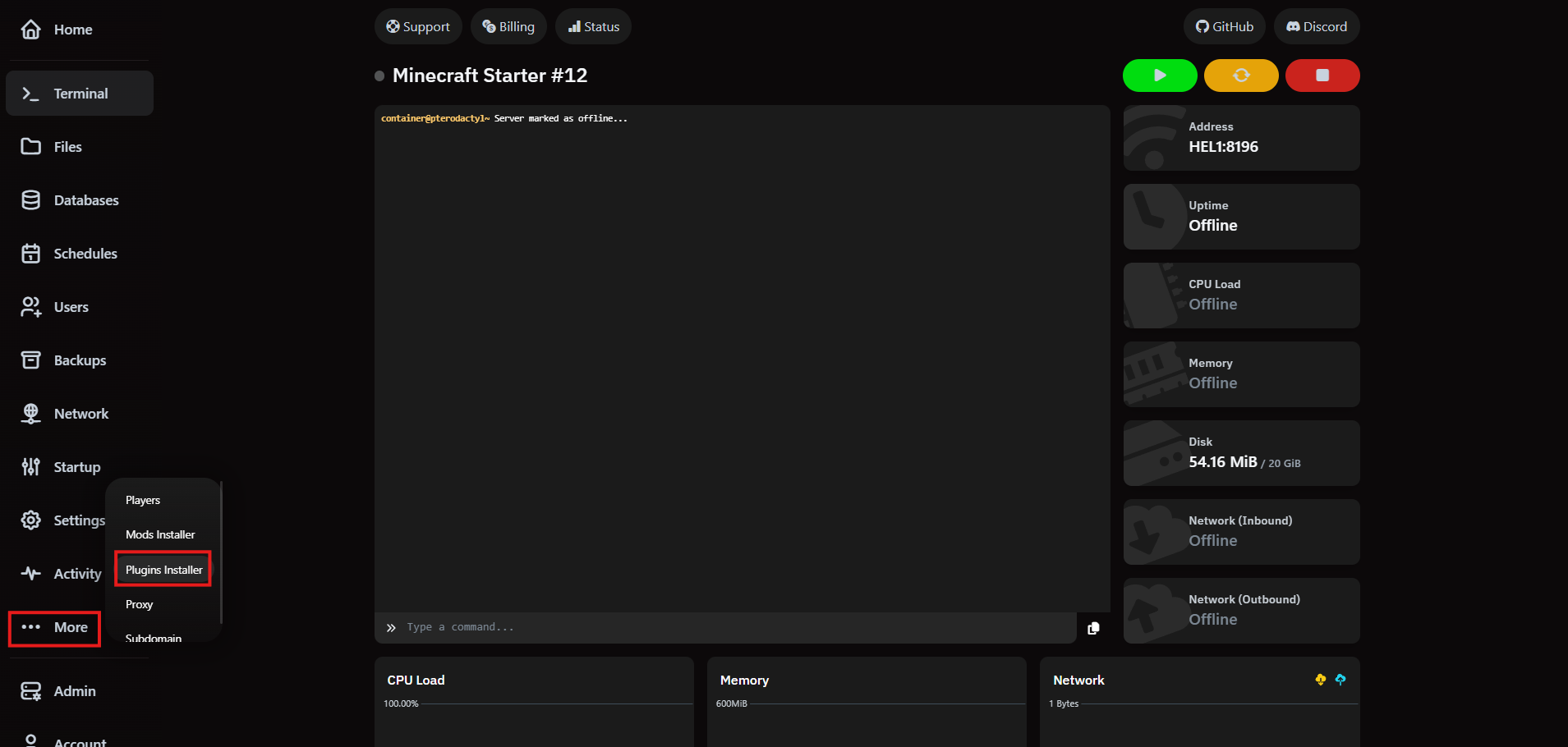
1. Launch the Plugin Installer
Inside your server view, open the More menu and pick Plugins Installer. You'll land on the searchable plugin catalog.
2. Evaluate plugins quickly
Search by name or browse trending options, then filter by Minecraft version, server loader or source. Each result surfaces descriptions, release cadence and outbound links.
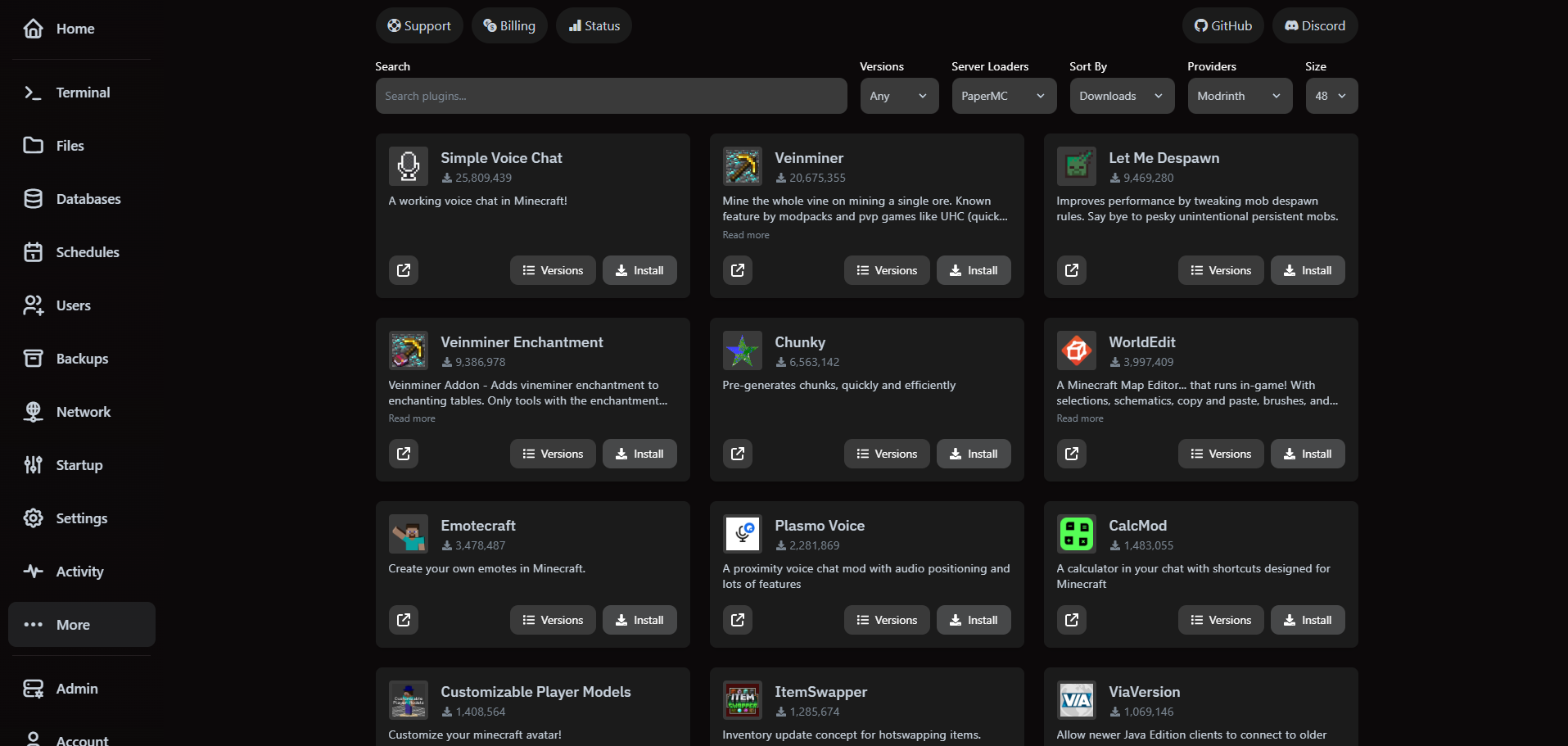
3. Install and confirm
- Select a plugin to review versions and changelog notes prior to installation.
- Click Install and VaultScope downloads the chosen release directly to your server.
- Restart the server so the plugin initializes alongside the rest of your mods.
Need to roll back? Use the same view to install an earlier version or remove the plugin from the file manager.