Minecraft tooling
Manage players from the VaultScope console
The Players view surfaces every account connected to your Minecraft server—active, offline, banned and whitelisted—so you can take action in seconds.
1. Open the Players view
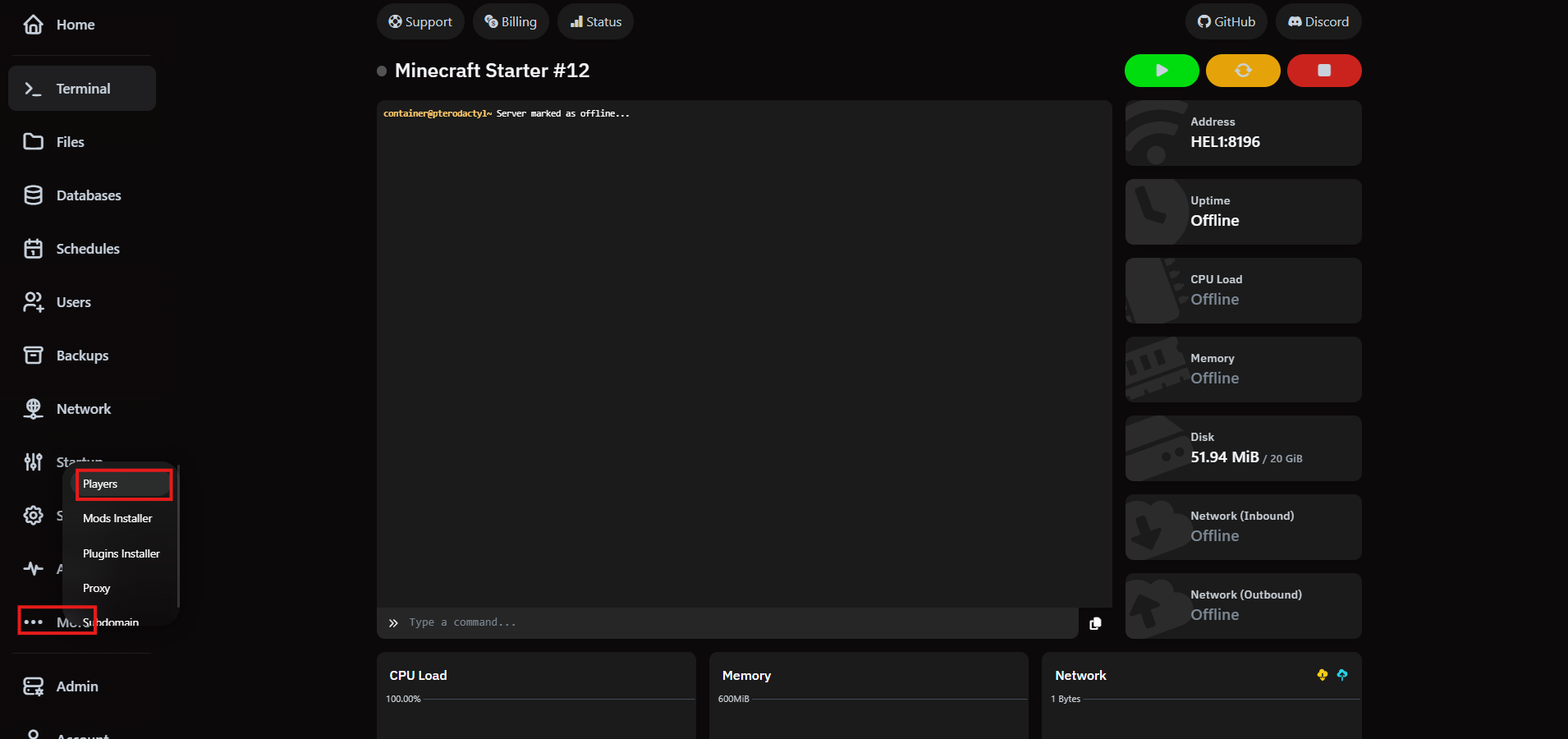
Click More in the server sidebar and choose Players to access the live roster.
2. Review player segments
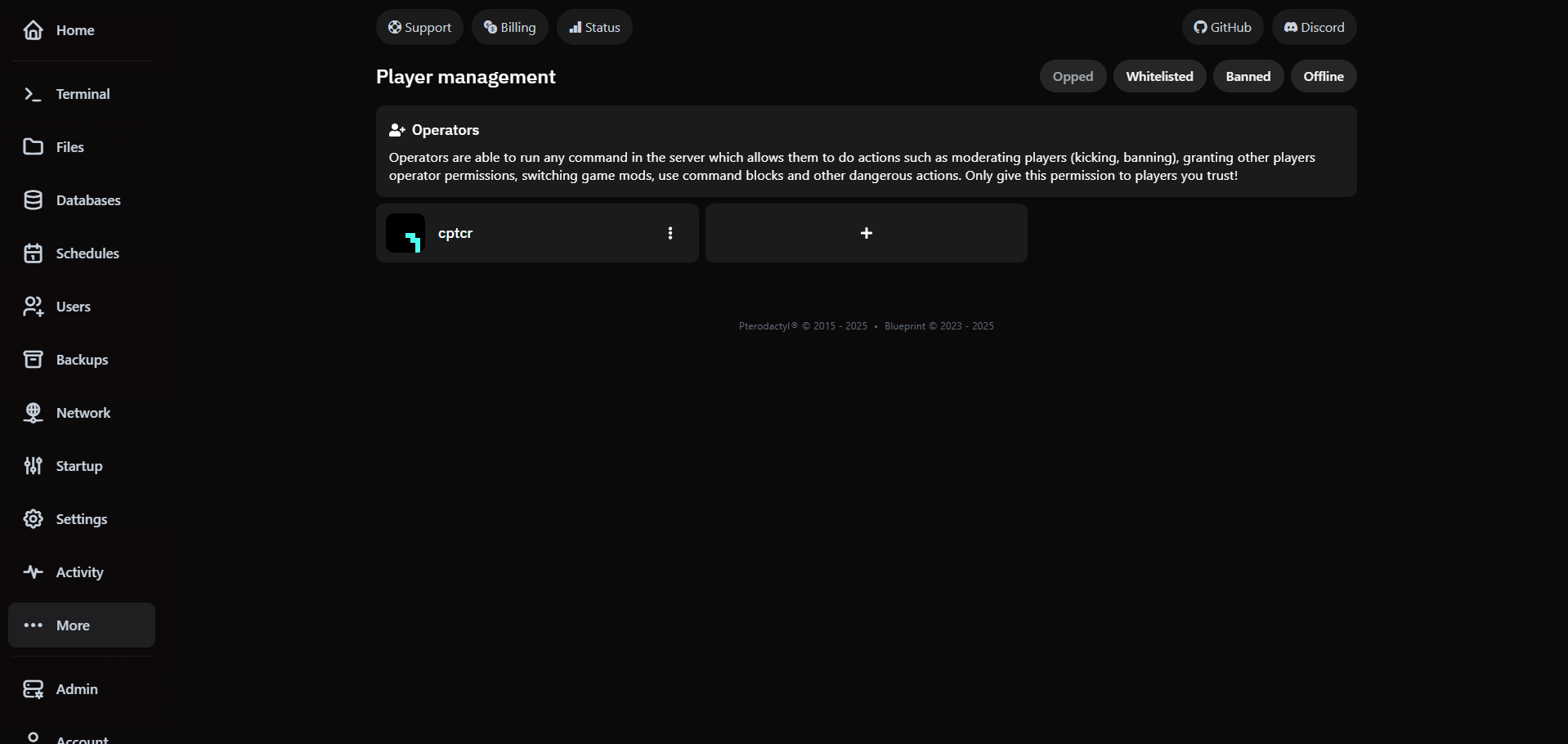
The roster groups players by status: active, offline, whitelisted, opped and banned. Scan summaries at a glance or drill into details for any player row.
3. Take action on individual players
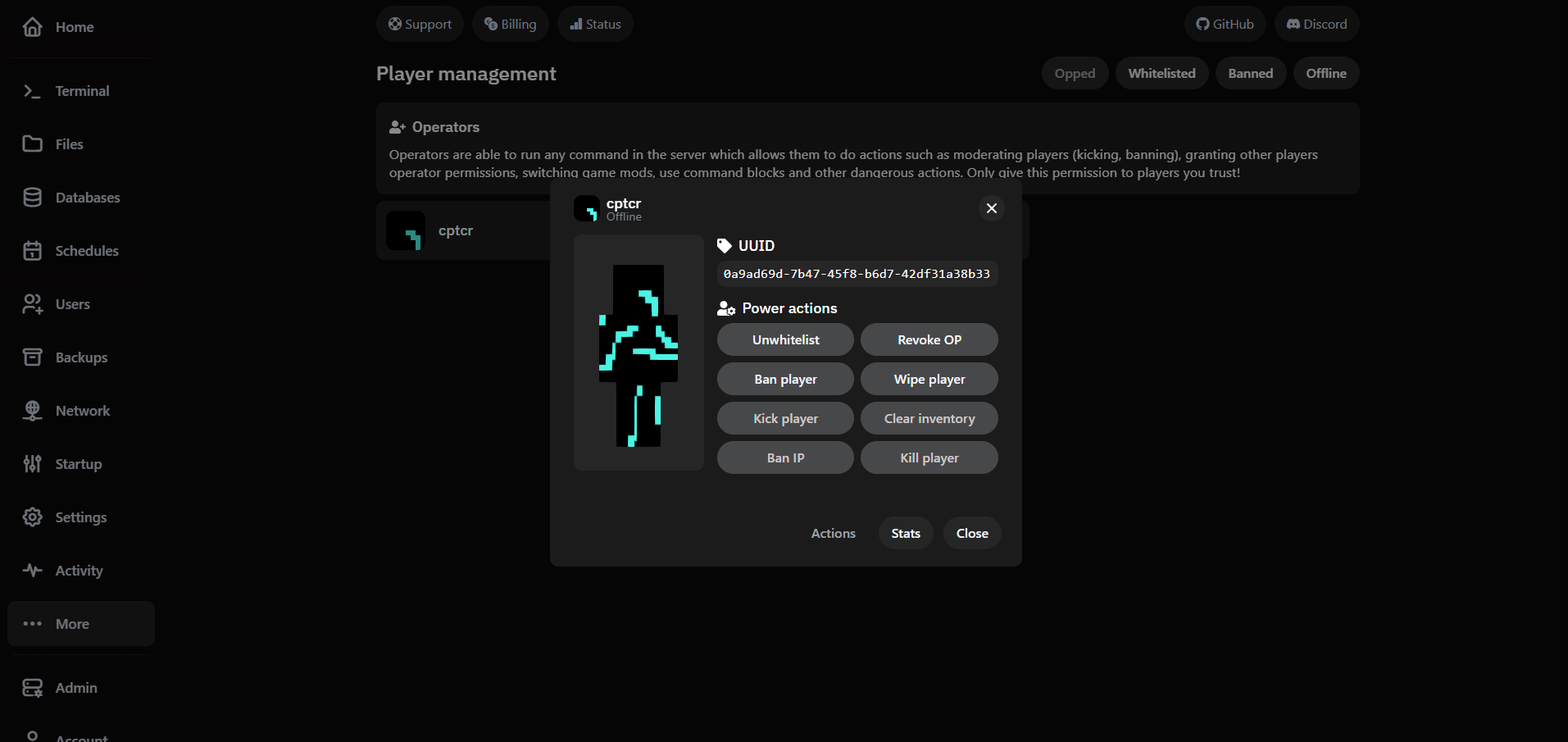
- Click a player to open the action drawer and confirm you're targeting the correct account.
- Run moderation steps like Ban, Kick, Clear Inventory, Kill or Wipe.
- Adjust access instantly with Unwhitelist or Ban IP, and review stats before you close.