Account finance
Billing, renewals and payment operations
Everything in VaultScope flows through our Paymenter instance. This guide shows you how to create an account, stay on top of invoices and understand what happens when payments fail.
1. Register your billing account
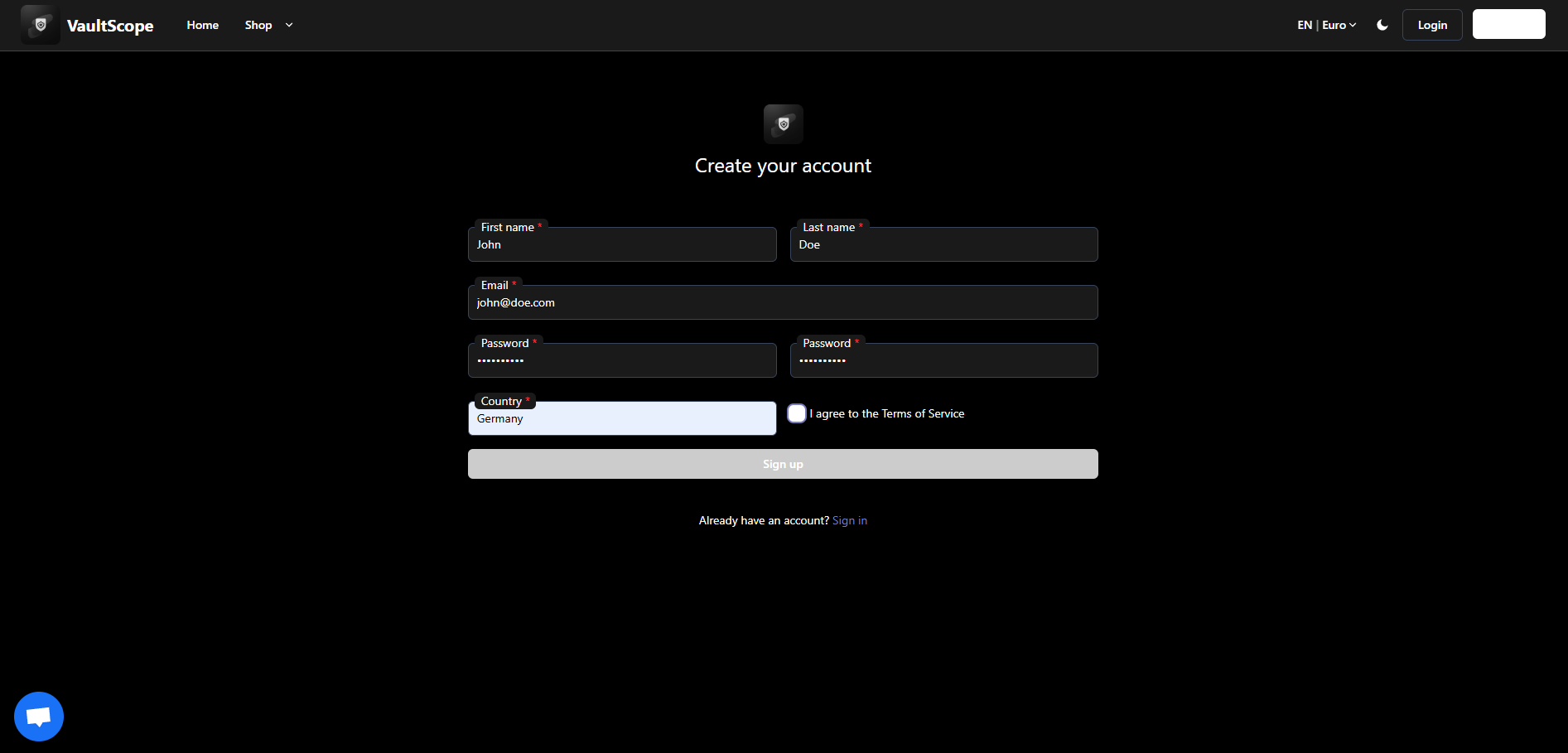
Head to pay.vaultscope.dev/register and create an account. Use the same email you will log into the control panel with—VaultScope links billing and operational access automatically.
Billing notifications always come from robot@vaultscope.dev. Add the address to your safe sender list.
2. Confirm the verification email
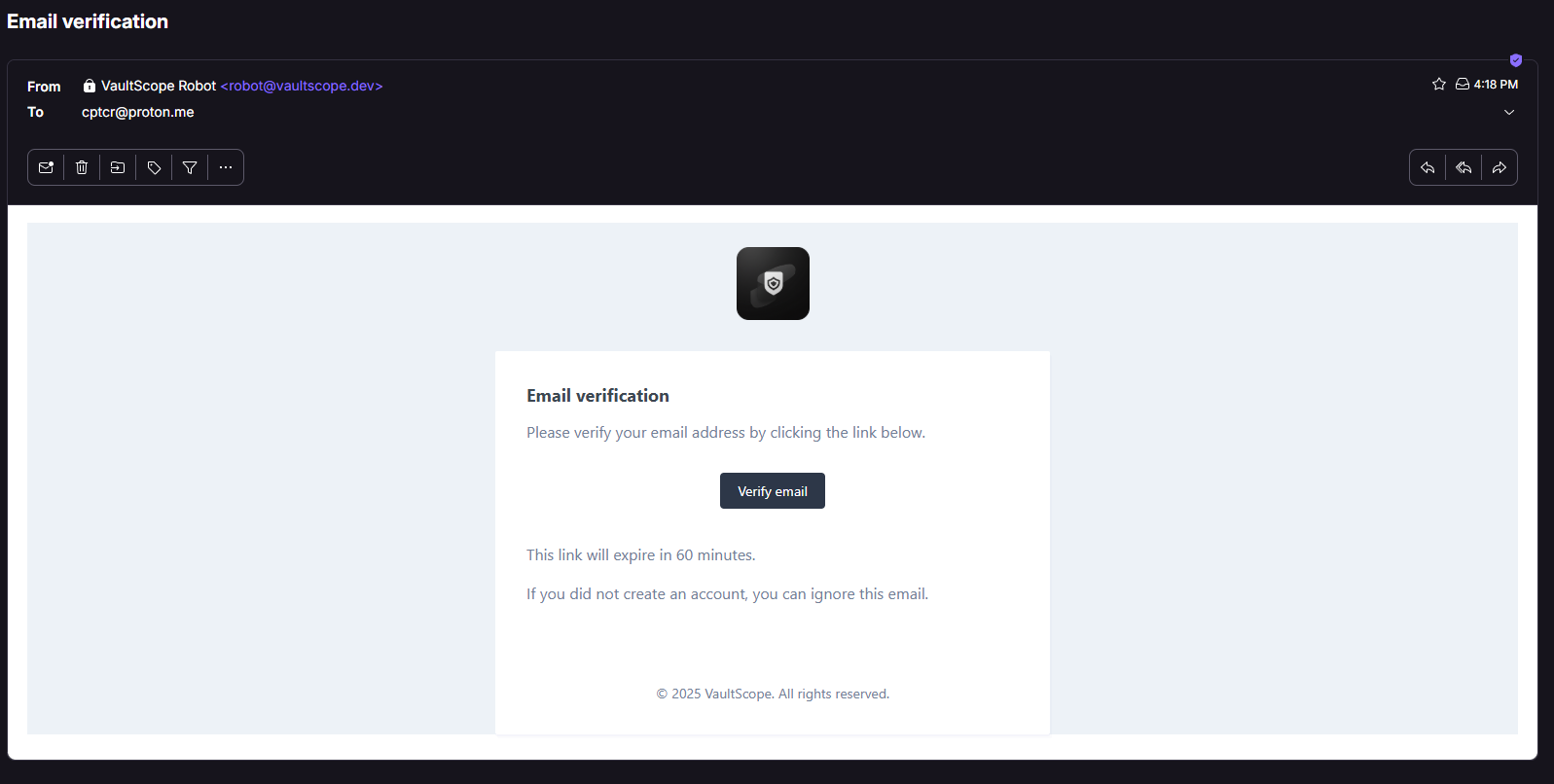
We send a single-use link to confirm ownership of the email address. The link expires after two hours—request a new message from the login screen if you miss the window.
3. Understand invoices and renewals
Every service generates an invoice three days before renewal. You can pay manually or enable auto-payment on a per-service basis.
- Invoices live under Billing > My Invoices. Download PDF copies for your bookkeeping with one click.
- Auto-pay uses the last successful payment method unless you select a different one during checkout.
- Failed auto-payments trigger reminders at 24 and 72 hours. Services suspend on day four if the balance stays unpaid.
4. Manage payment methods
VaultScope supports credit cards, SEPA, PayPal and cryptocurrency via Coinbase Commerce. Add or remove methods under Billing > Payment Methods.
- Credit cards are tokenized through Stripe; VaultScope never stores raw card numbers.
- Cryptocurrency invoices must be paid within 15 minutes. We apply the payment once the blockchain confirms it.
- Enterprise wire transfers require an open ticket so we can mark the invoice as pending.
5. Refunds, cancellations and proration
Cancel a service from the billing portal before the next renewal date to avoid charges. VaultScope issues immediate proration credits when you downgrade or remove add-ons mid-cycle.
- Services cancelled within 72 hours of signup qualify for a full refund—open a ticket so the billing team can process it.
- Suspended services retain data for seven days. Pay the outstanding invoice and reopen the service to restore access.
- Chargebacks trigger an automatic account lock. Contact billing before disputing a transaction.
Need help?
Billing operates Monday–Friday, 08:00–22:00 UTC with weekend monitoring for payment failures.
- Email billing@vaultscope.dev for invoice updates.
- Open a control panel ticket under Billing if you need a plan change or refund review.
- Join the VaultScope Discord and post in #billing for quick status checks.
Looking for pricing or discounts? Start with the FAQ or message sales@vaultscope.dev for custom quotes.